How to Animate Countdowns in After Effects
Learn how to create animated time counters and countdown timers in After Effects using Type, with full control over format, duration, and styling.

Learn how to create animated time counters and countdown timers in After Effects using Type, with full control over format, duration, and styling.
Create realistic typewriter-style text animations in After Effects using Type, with support for cursor blink, variable speed, and monospaced characters.
Convert animated text layers to editable shape layers in After Effects using Type, preserving animations so you can customize each individual character.
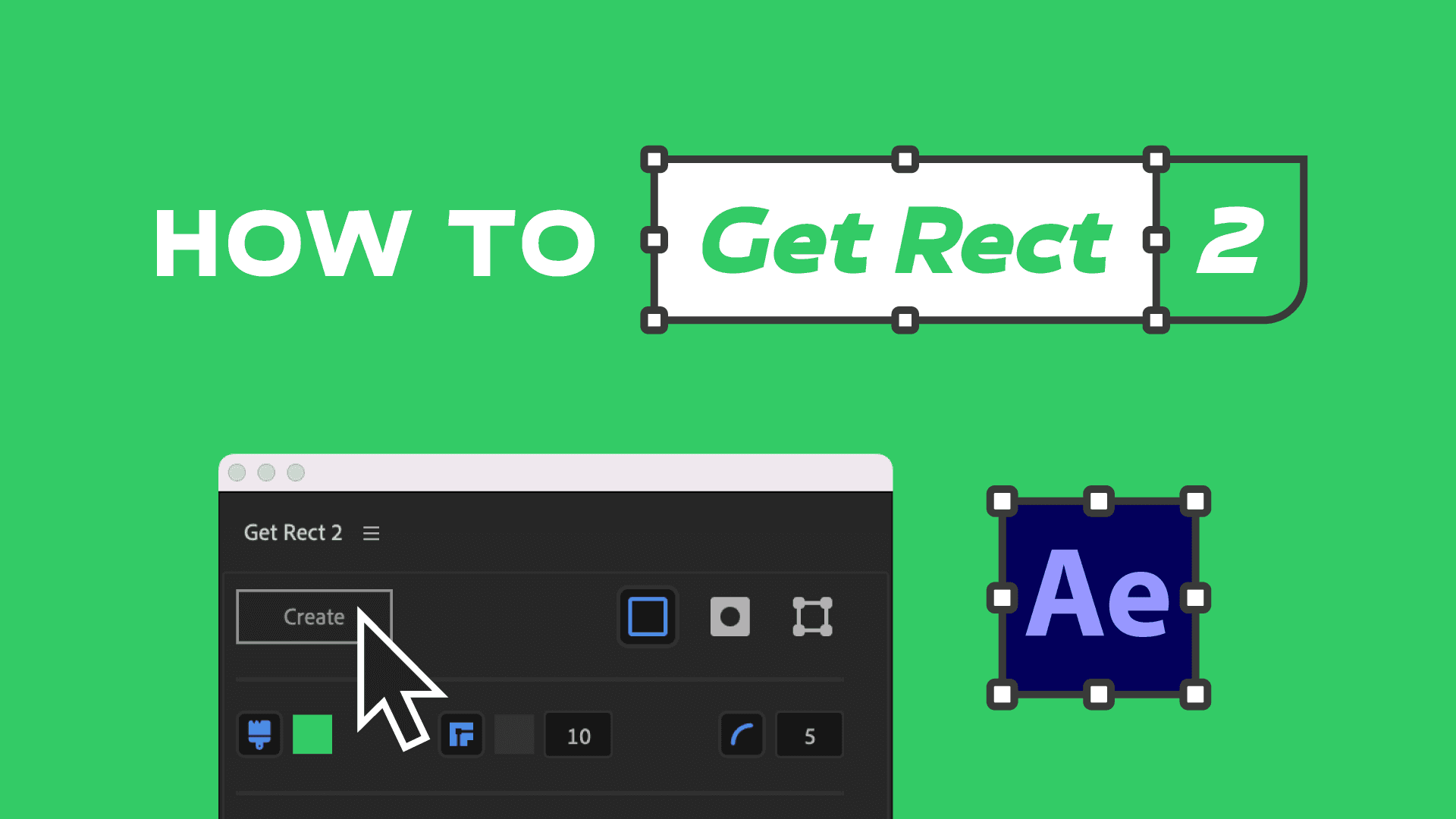
Create smart rectangles, track mattes, and dynamic bounding boxes in After Effects that automatically resize around any layer using Get Rect 2.
Learn different techniques to reverse video clips and animations in After Effects, including time reversal, keyframe flipping, and time remapping tricks.
A curated list of the best After Effects tutorials for beginners to learn motion graphics, keyframing, and animation from scratch.
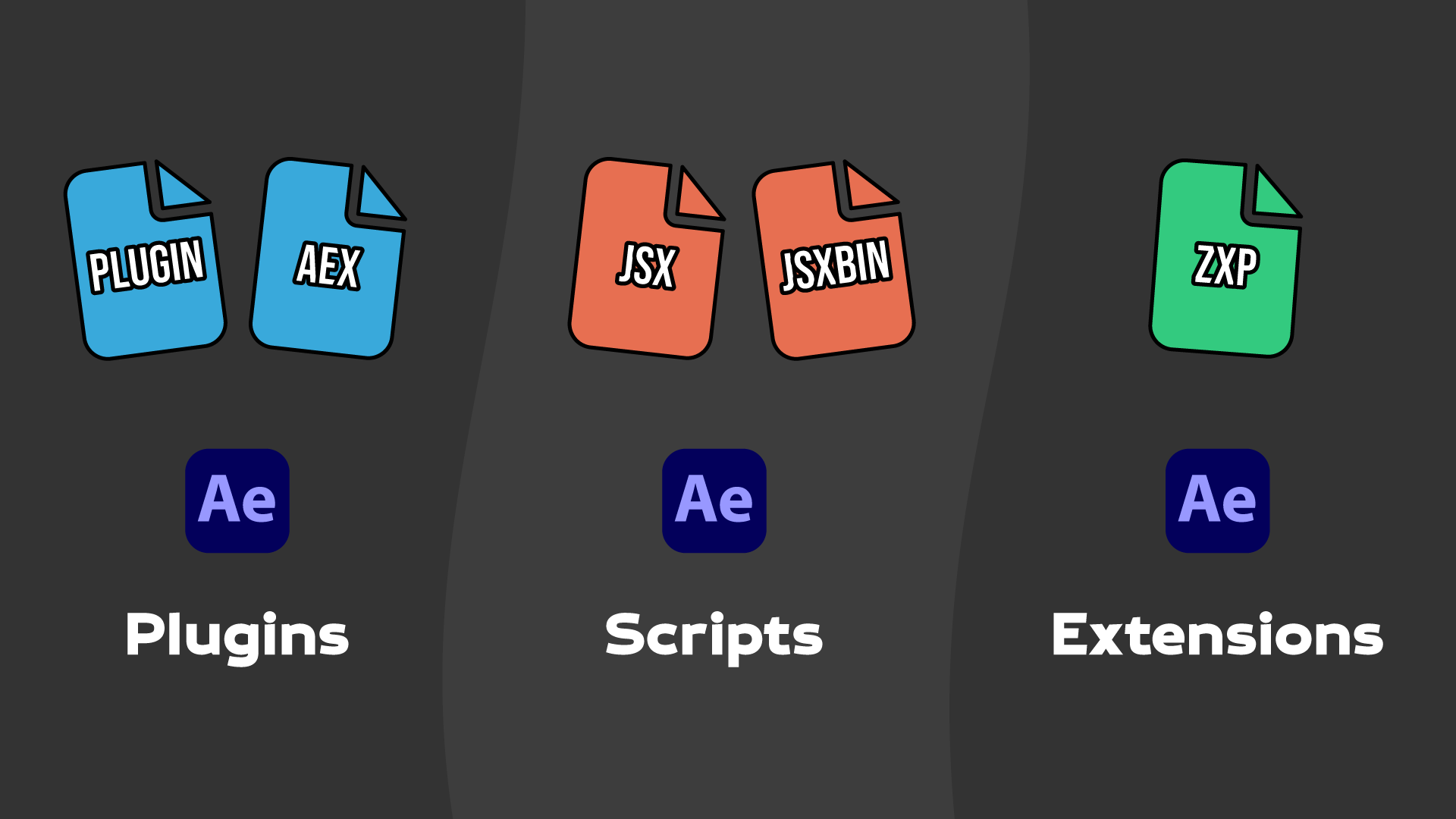
Learn the key differences between After Effects plug-ins, scripts, and extensions — what each one can do, how they're installed, and when to use each type.
A step-by-step guide to installing plugins, scripts, and extensions in After Effects on both Mac and Windows, including where to place each file type.
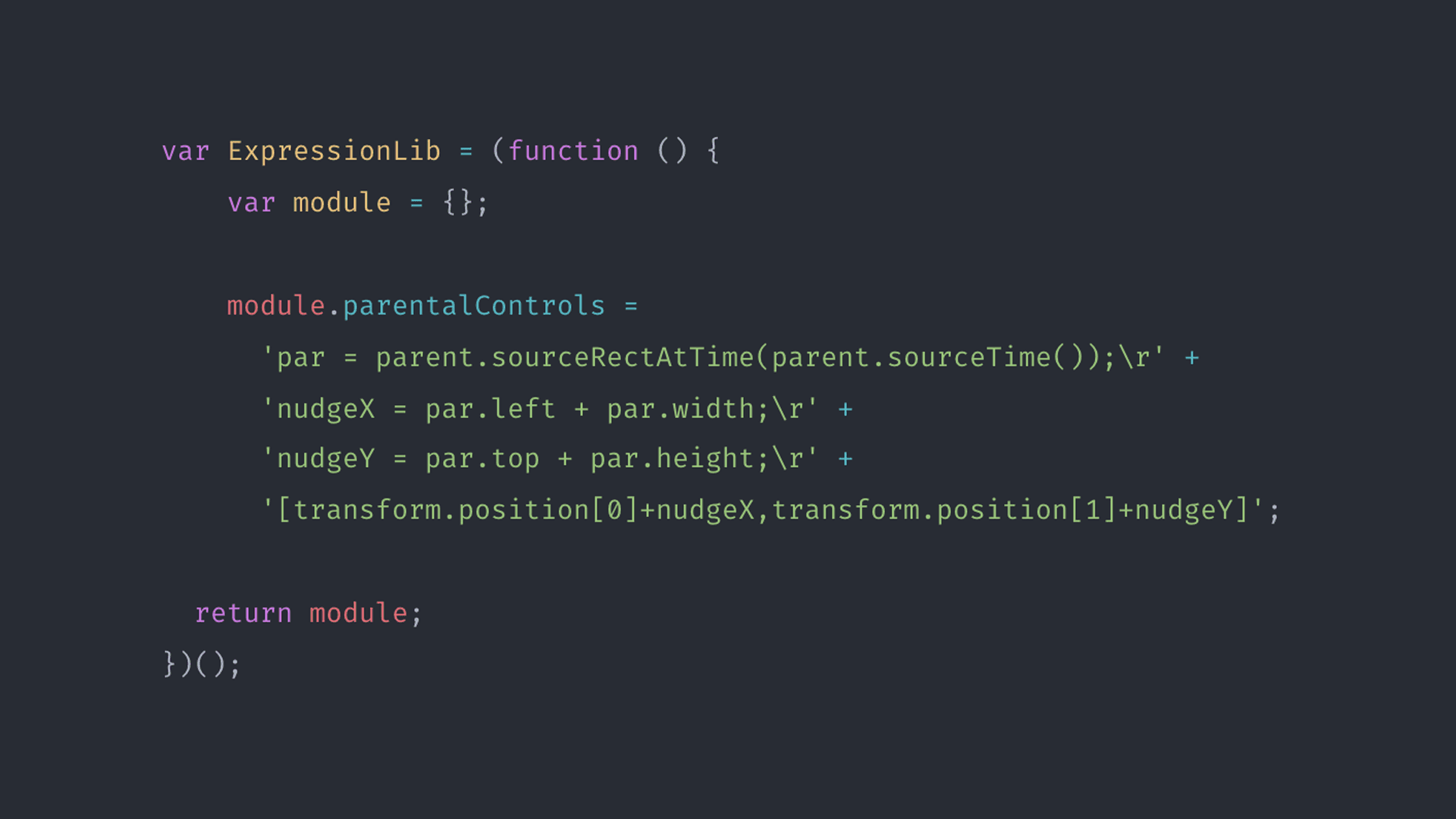
Use Expressify to automatically convert After Effects expressions into formatted JavaScript strings for use in ExtendScript and CEP extensions.
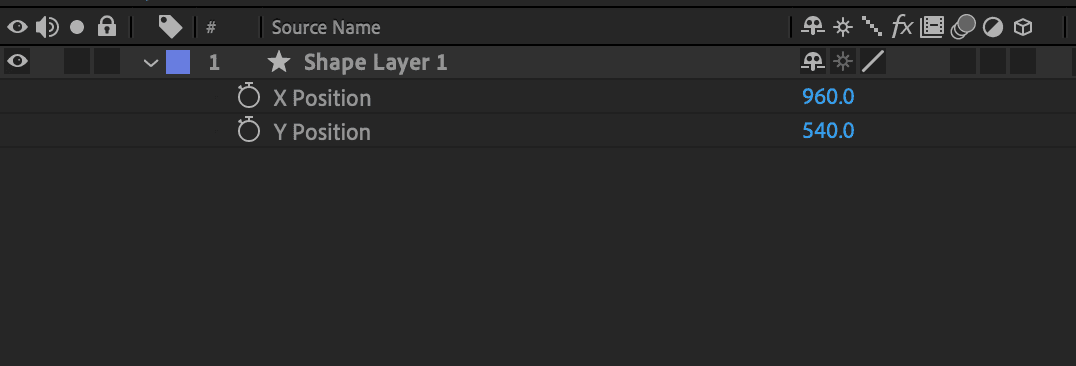
Learn how to separate X and Y position dimensions in After Effects, and use Xplode to split position on multiple layers at once in bulk.
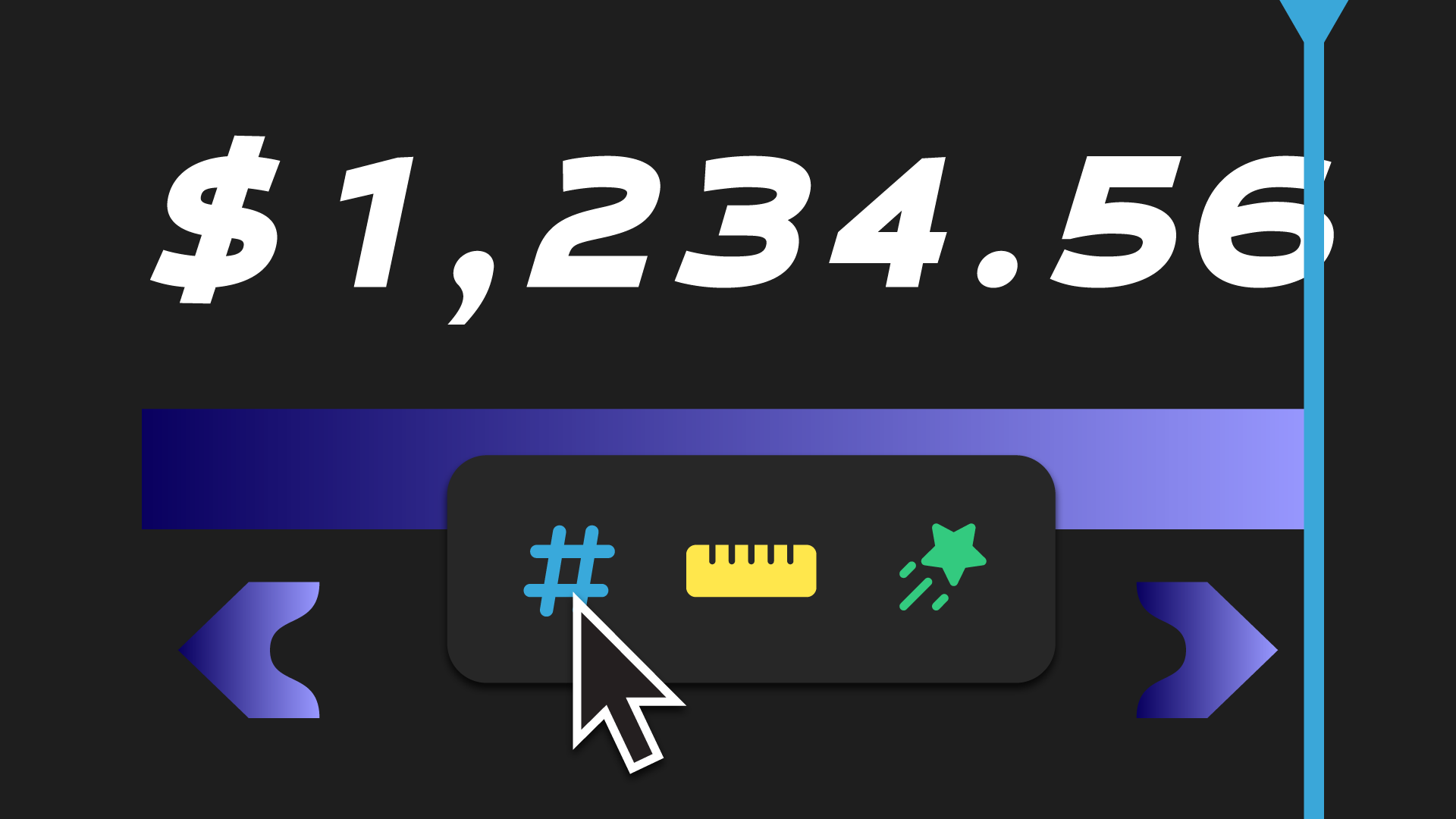
Format and animate numbers in After Effects with Type's built-in number rig, monospacing controls, and per-character motion blur features.
Understand the key differences between After Effects scripts and expressions — what each can automate, their syntax, and which to use for your project.
Learn every technique for changing speed in After Effects: time remapping, layer stretching, frame blending, and the Speed script for bulk adjustments.
Learn how to highlight text in After Effects manually using the pen tool, or automatically with the Type plugin for animated, dynamic text highlights.
Speed is an After Effects Script UI panel for quickly adjusting the timing of layers, keyframes, or compositions without editing each property manually.

Apply to become an AE Screens affiliate and earn revenue sharing on every sale of After Effects scripts, plugins, and templates you refer.
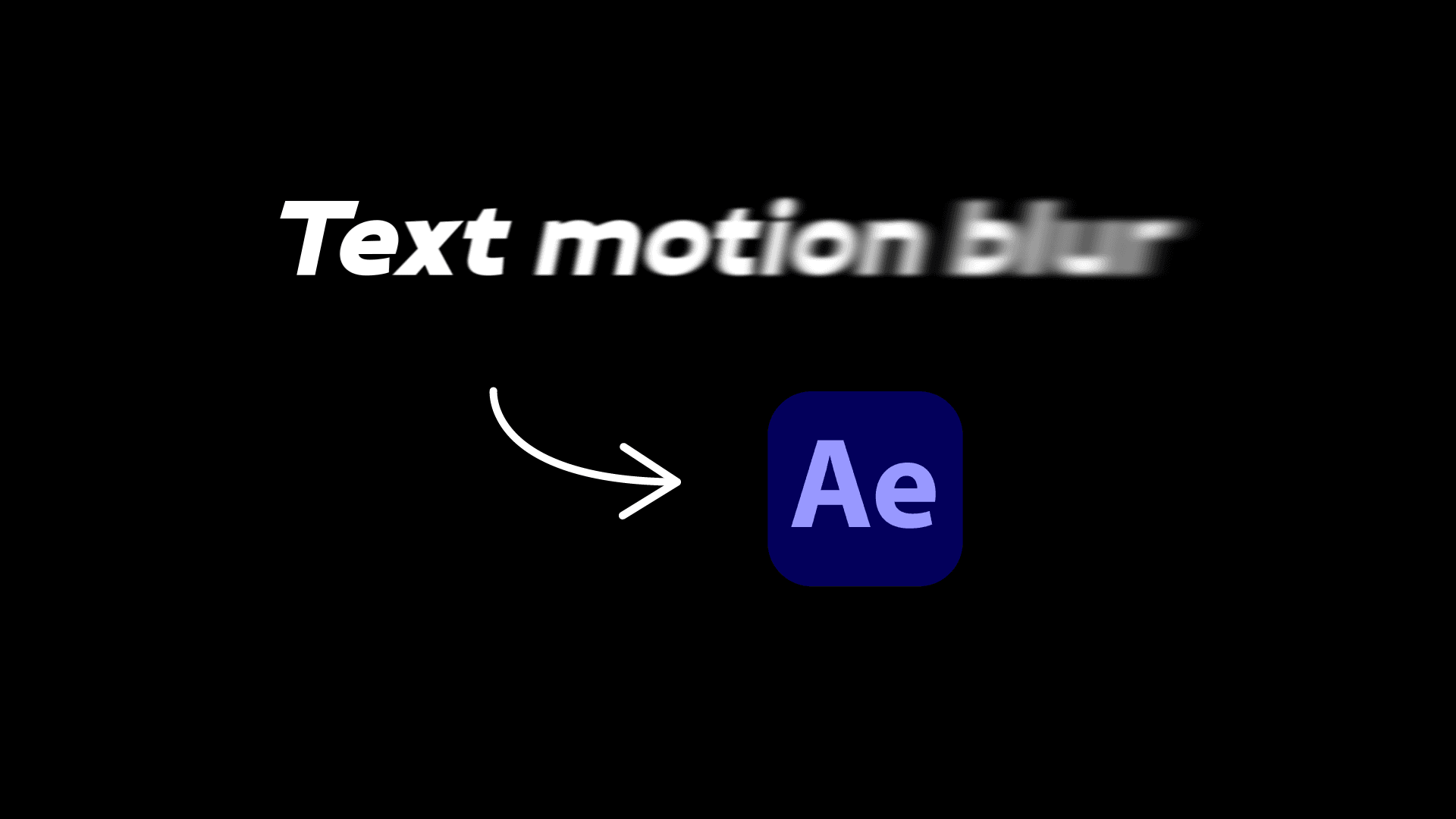
Add realistic per-character motion blur to animated text in After Effects — works great on number counters, timers, and typewriter animations with Type.
Three theories on why Adobe still hasn't added native text highlighting and underlining to After Effects, and what you can do in the meantime.
A critical security vulnerability in Gumroad's API allowed anyone to generate unauthorized license keys for paid products without making a purchase.
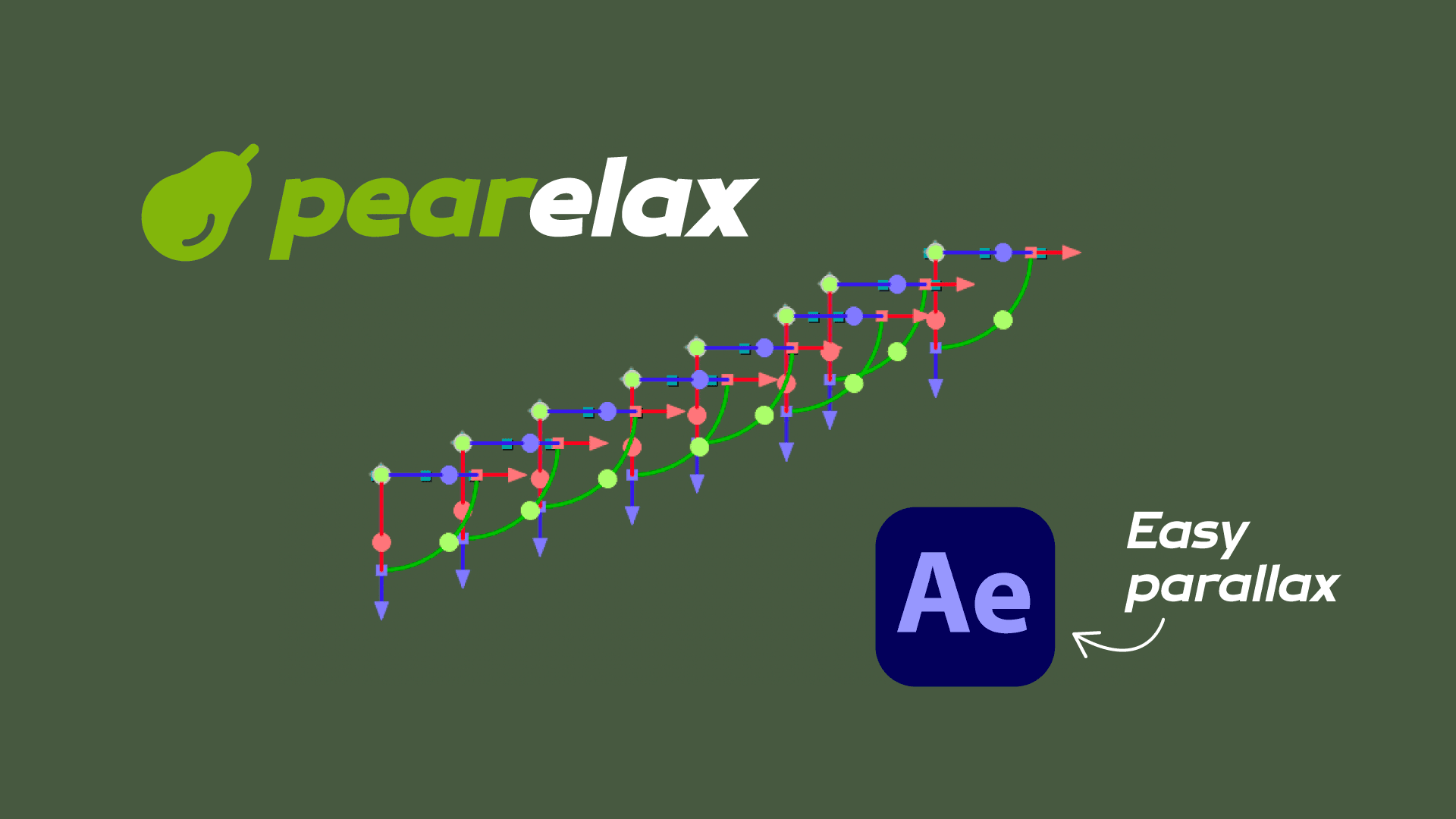
Pearelax lets you move 3D layers in z space while maintaining their optical size and position, making parallax animations effortless in After Effects.
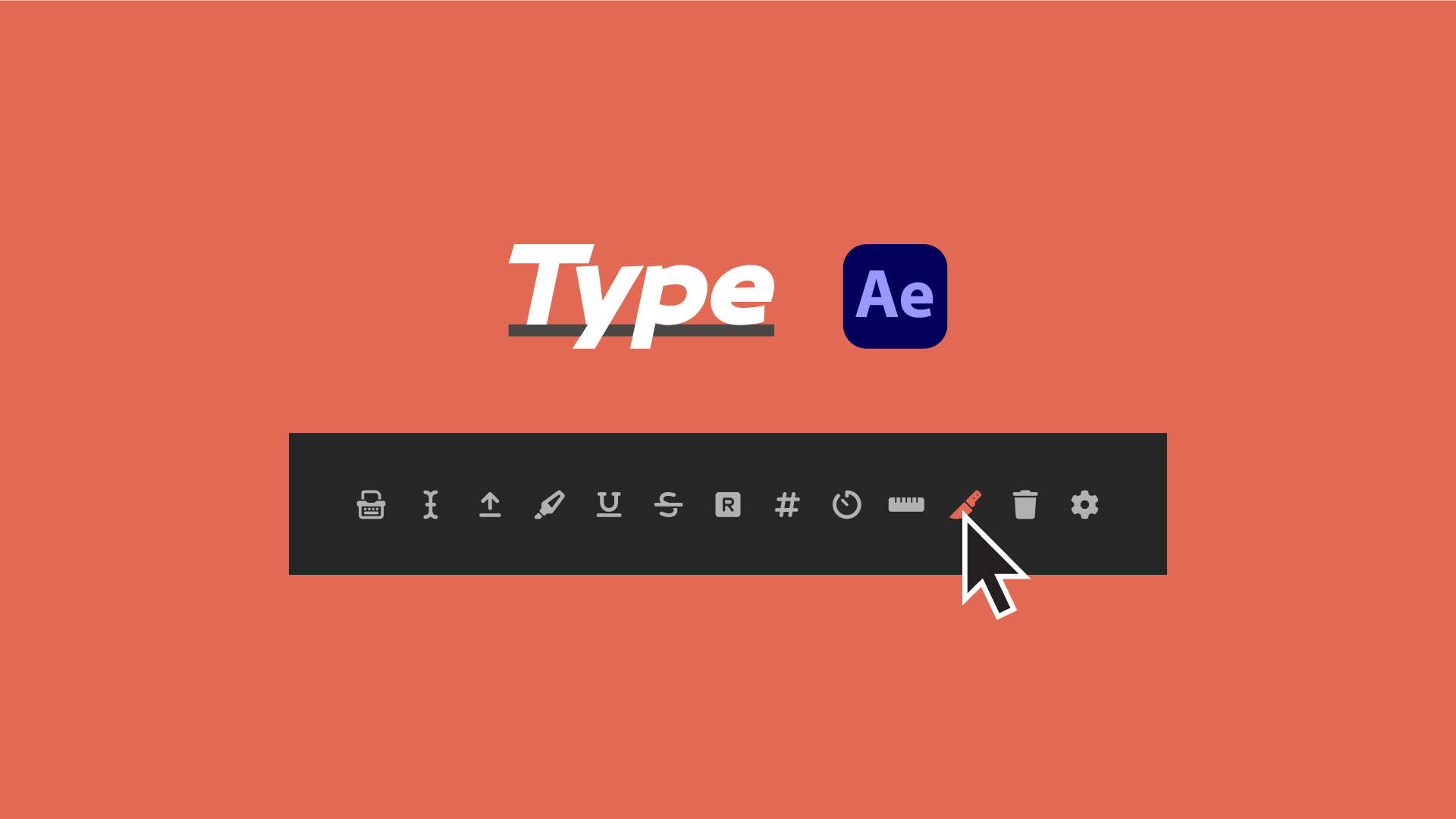
A complete overview of Type's text animation features for After Effects, including typewriter effects, number counters, highlights, and motion blur.
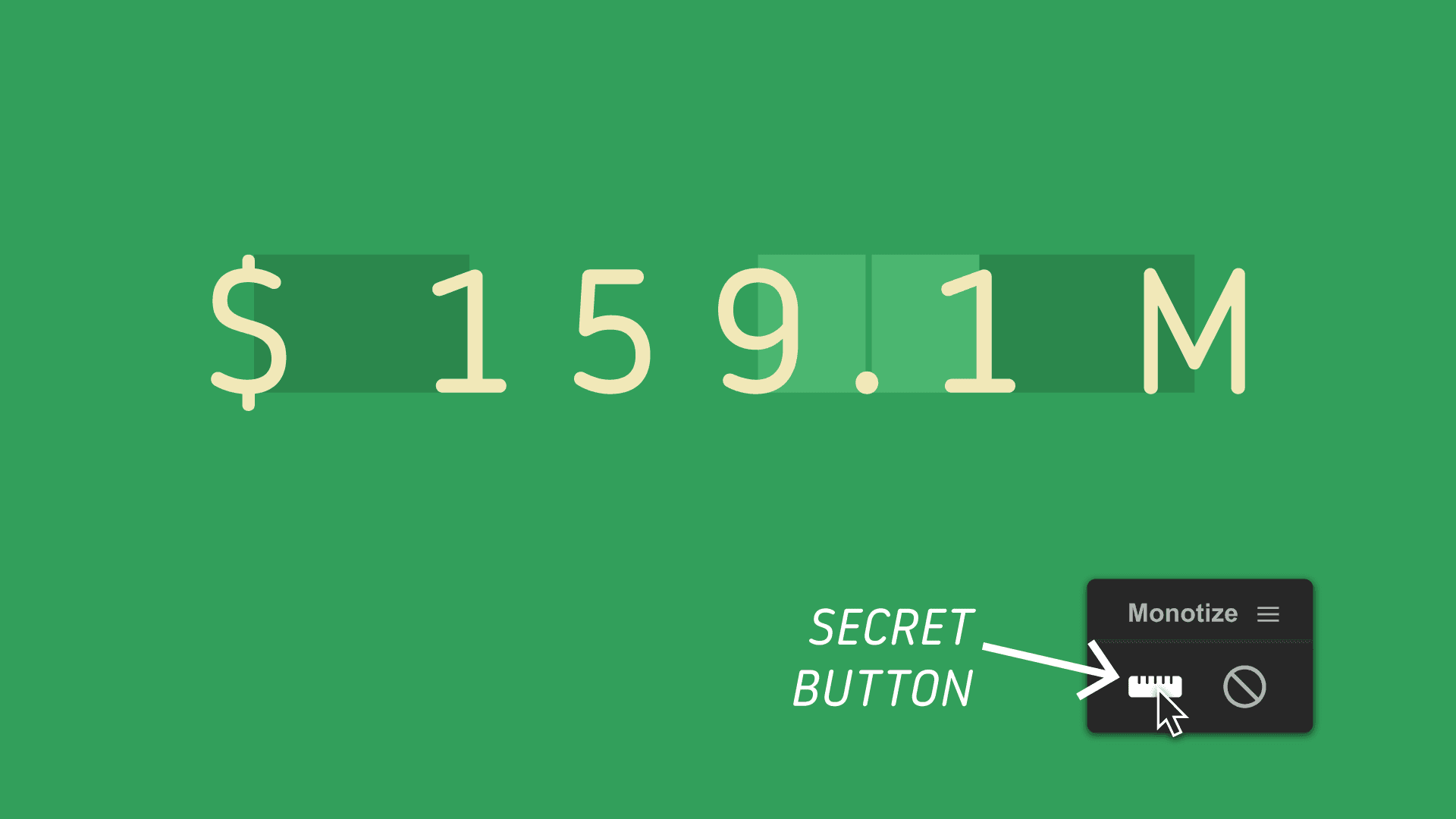
Monotize is an After Effects script that makes any text layer monospaced regardless of font, perfect for animating numbers and code-style text.
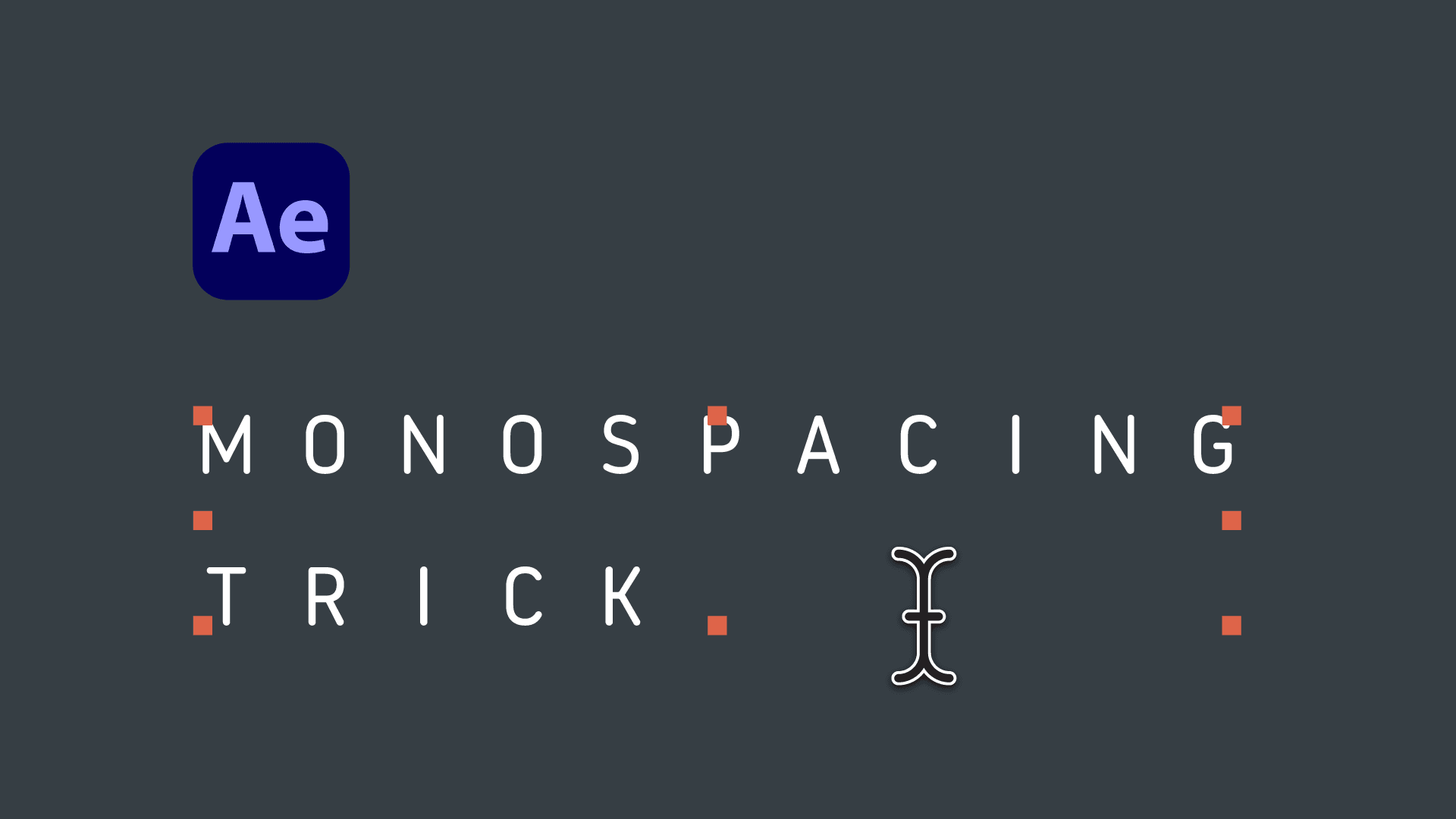
A simple trick to make any font monospaced in After Effects using the vertical type tool, so each character takes up the same horizontal space.
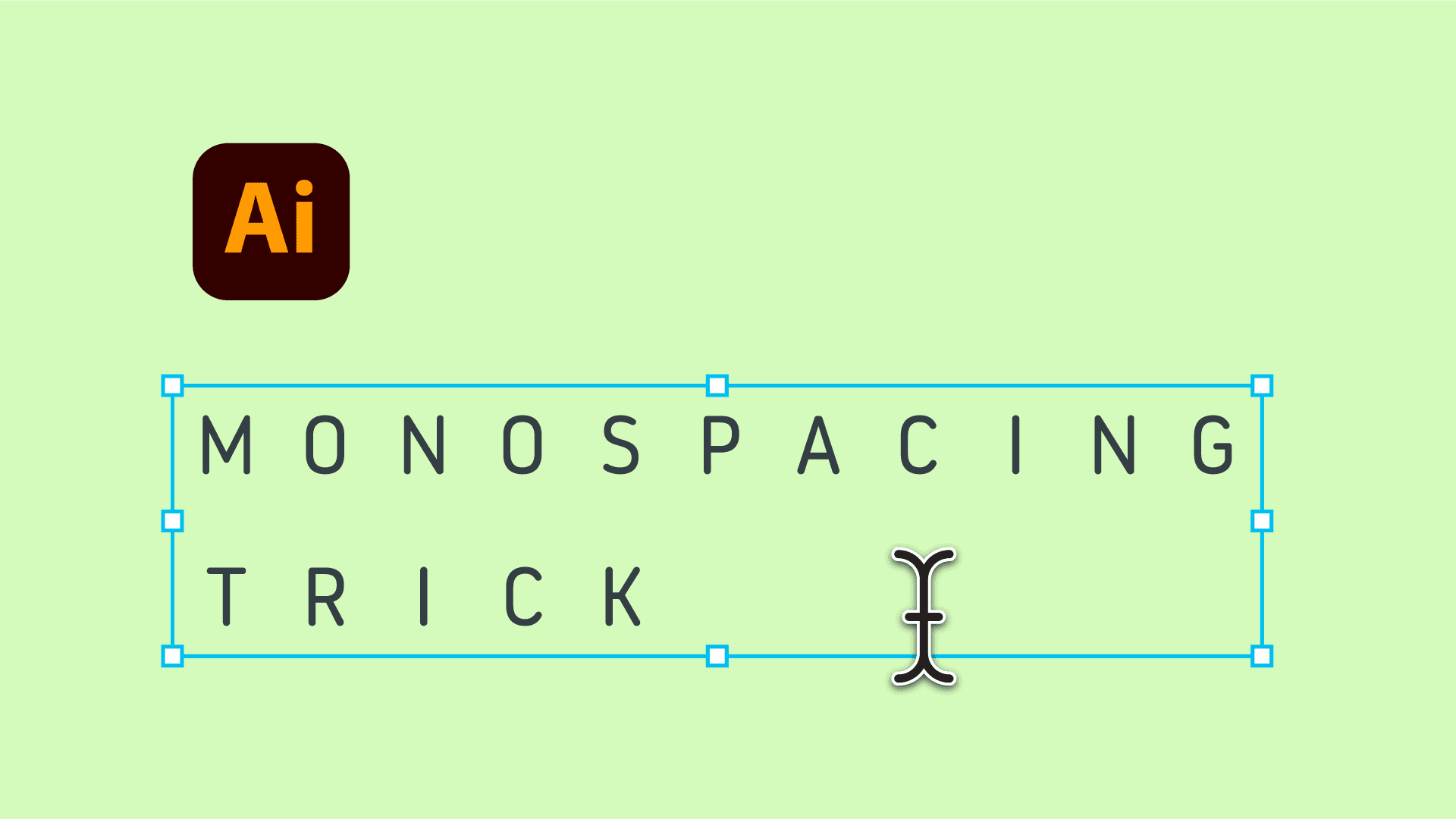
A simple trick to make any font monospaced in Adobe Illustrator using the vertical type tool, so every character occupies equal horizontal spacing.
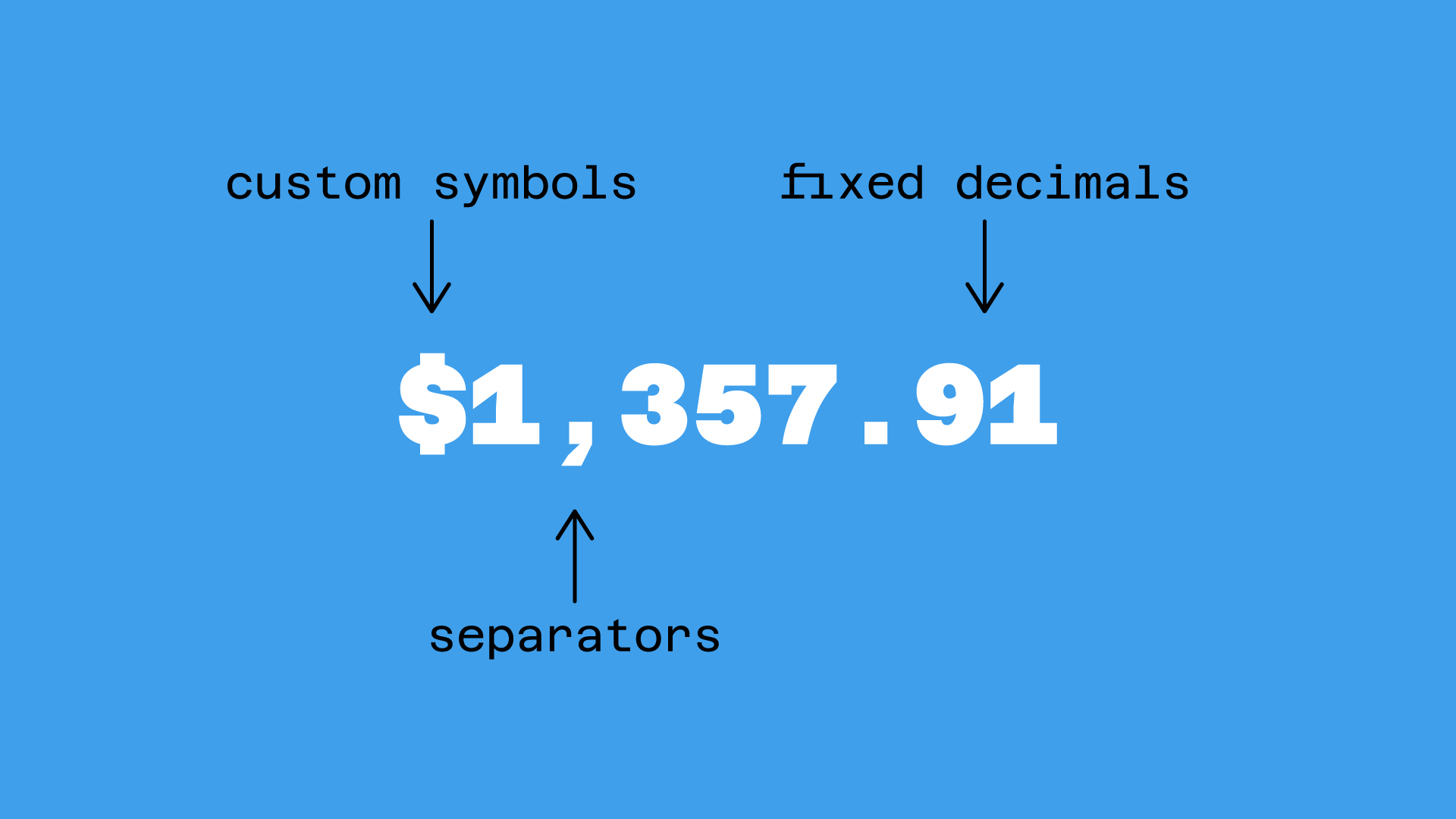
Num is a free After Effects preset that lets you format and animate numbers with comma separators, decimal places, and smooth easing controls.
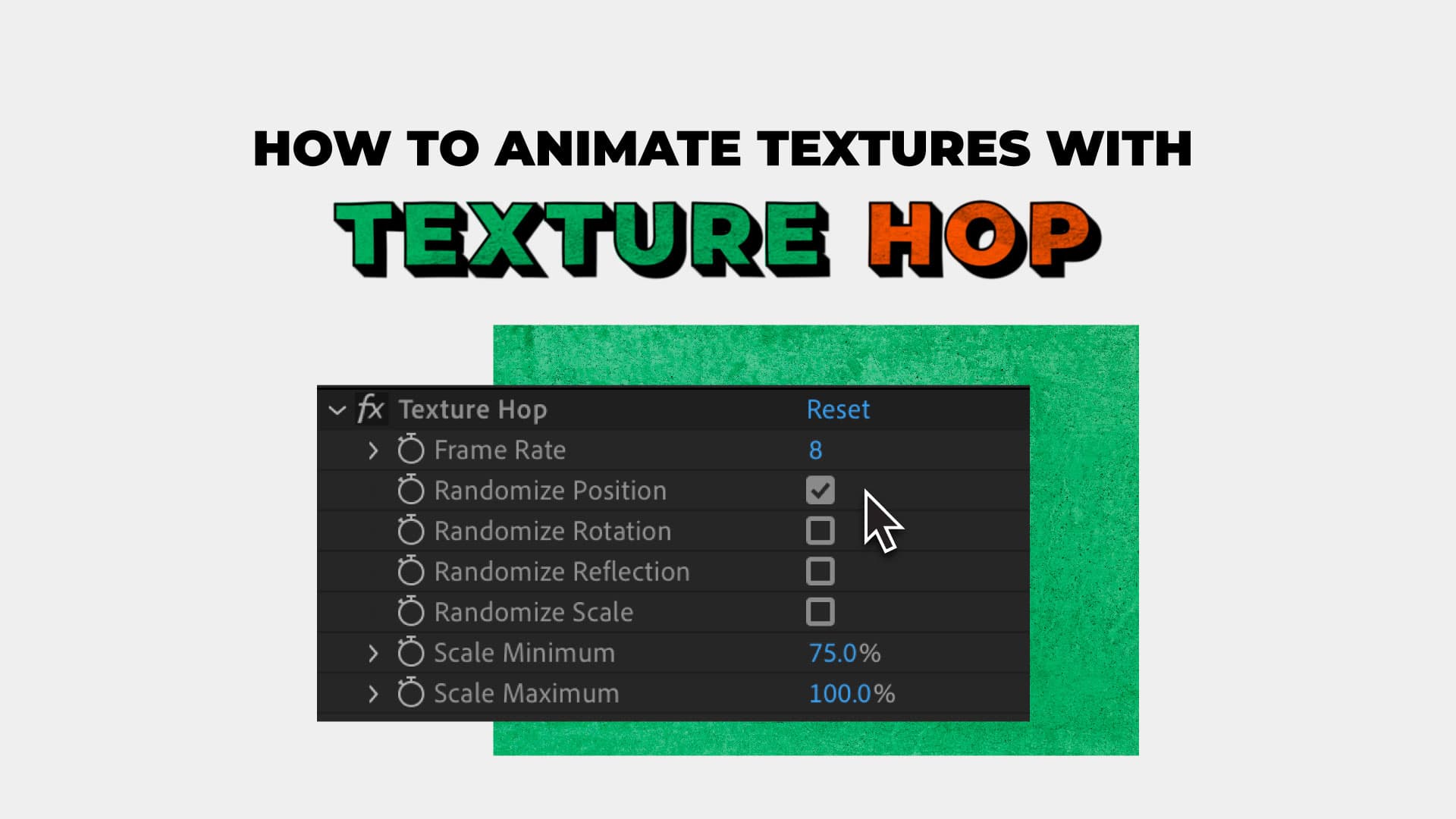
Learn how to animate textures in After Effects using expressions and the free Texture Hop preset to create seamless looping texture animations.
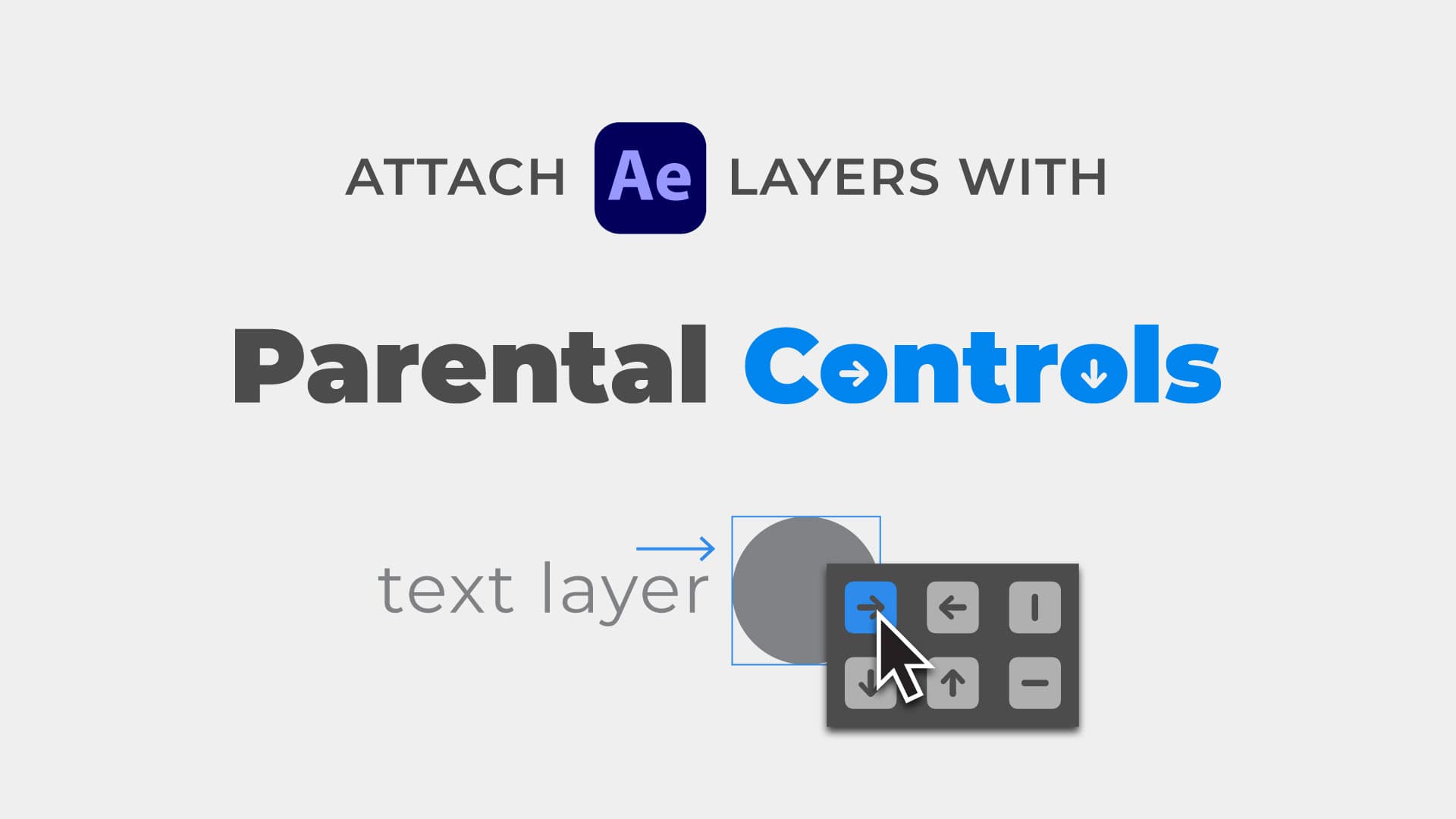
Parental Controls is a free After Effects script that lets you attach child layers to their parent's actual bounding box, not just the anchor point.
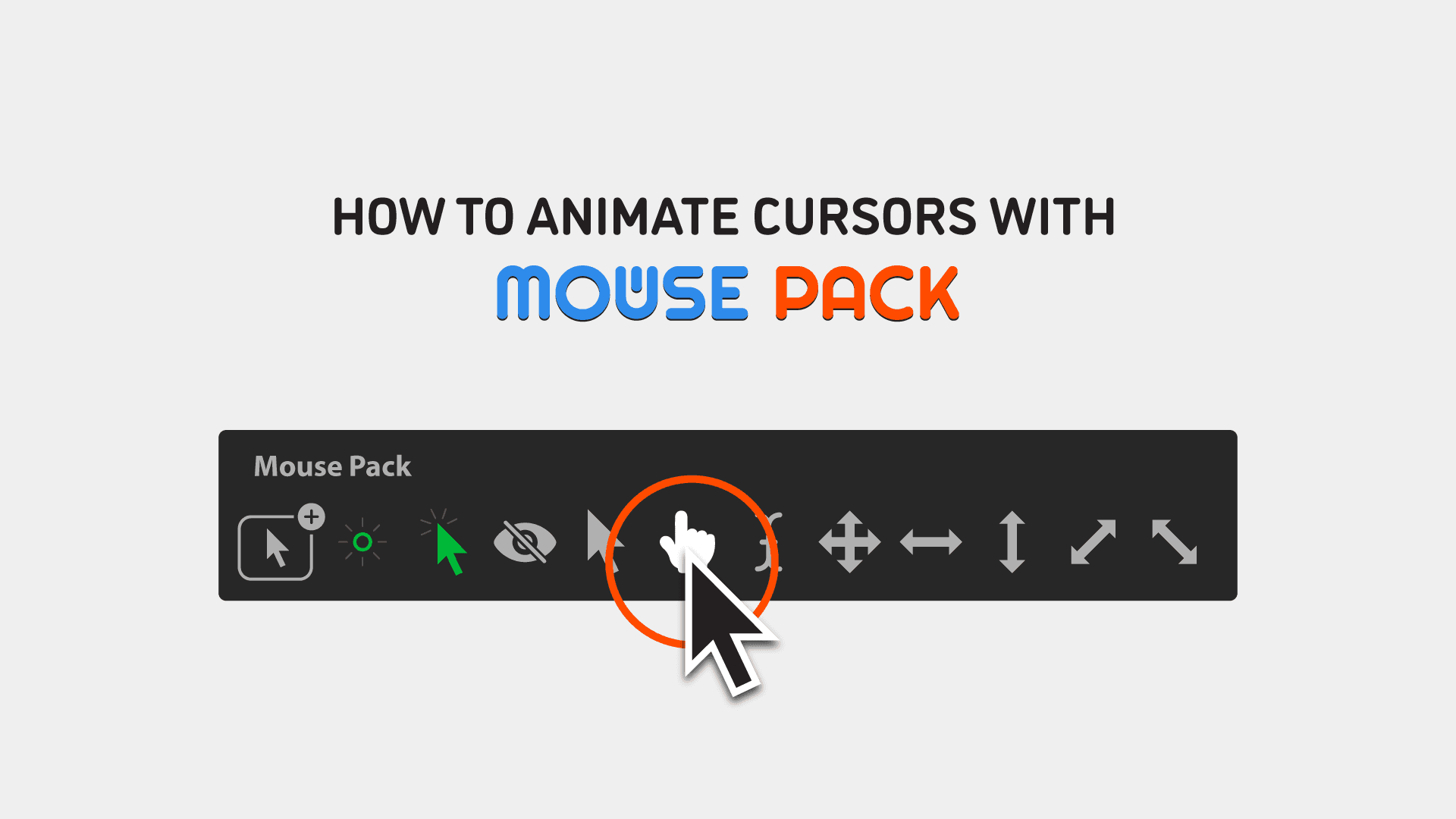
Mouse Pack is an After Effects script for adding animated mouse cursors to any composition, complete with click animations and customizable cursor styles.
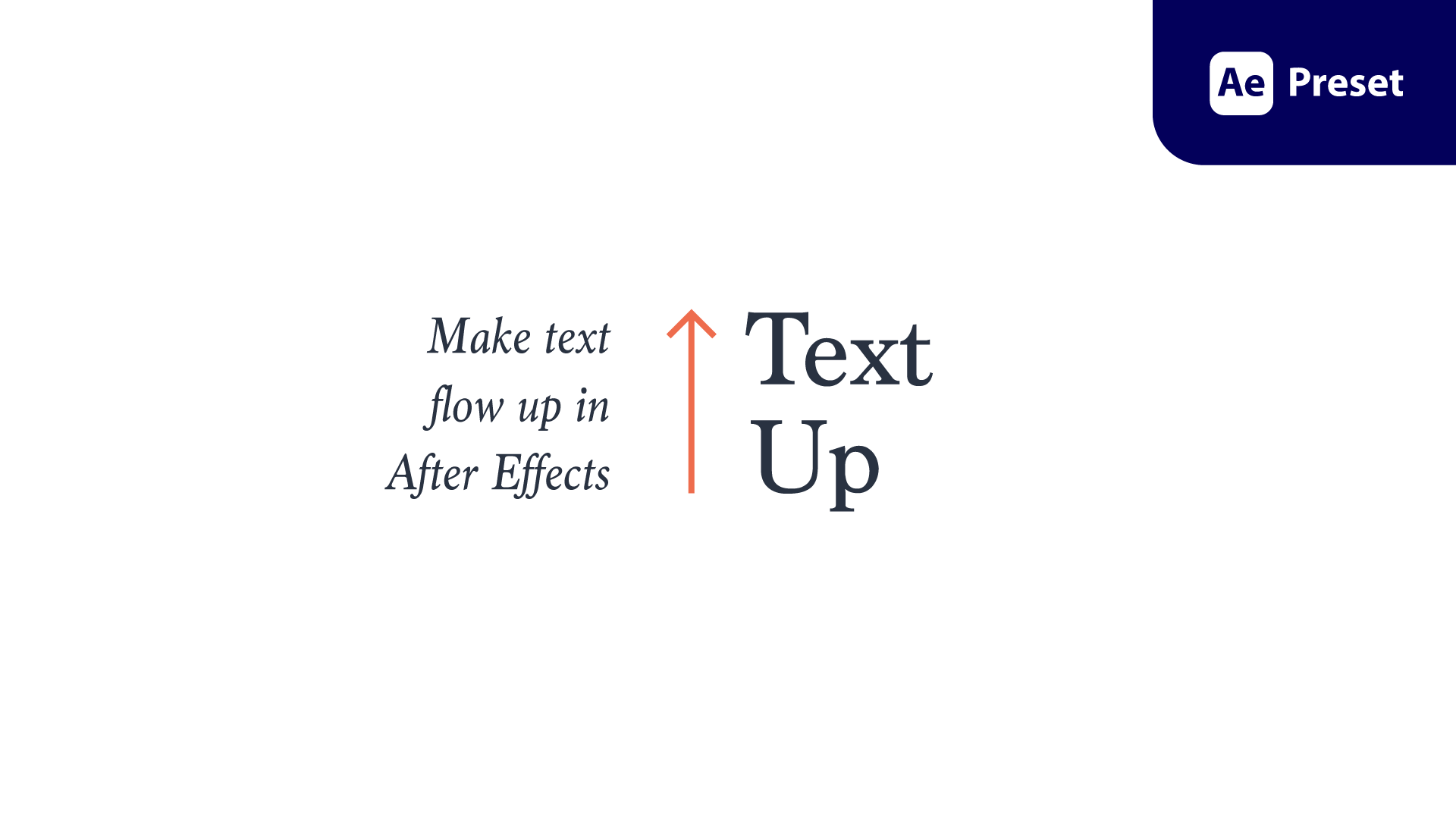
Use the Text Up feature in Type for After Effects to make text lines flow upward automatically as new lines are added, like a news ticker or credits roll.
The five best tools for creating professional After Effects templates, from expression controllers to UI scripts that speed up your template workflow.
EmojiKit lets you add animated emojis directly into After Effects with a single click, supporting multiple emoji sets and keyframe-ready animations.
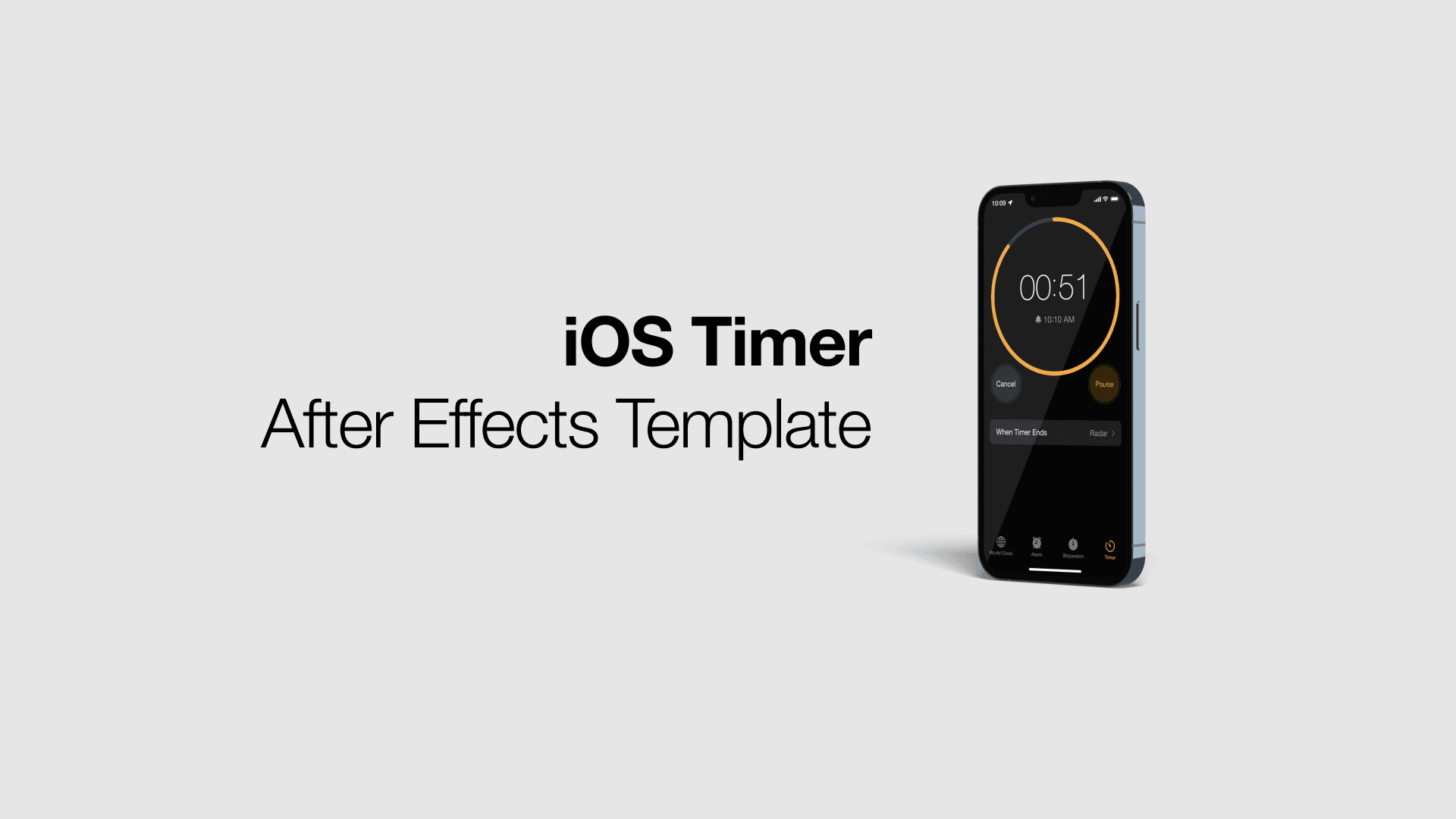
Perfectly recreate the iOS Timer screen in After Effects with this free template — fully editable countdown with authentic UI styling and smooth animation.
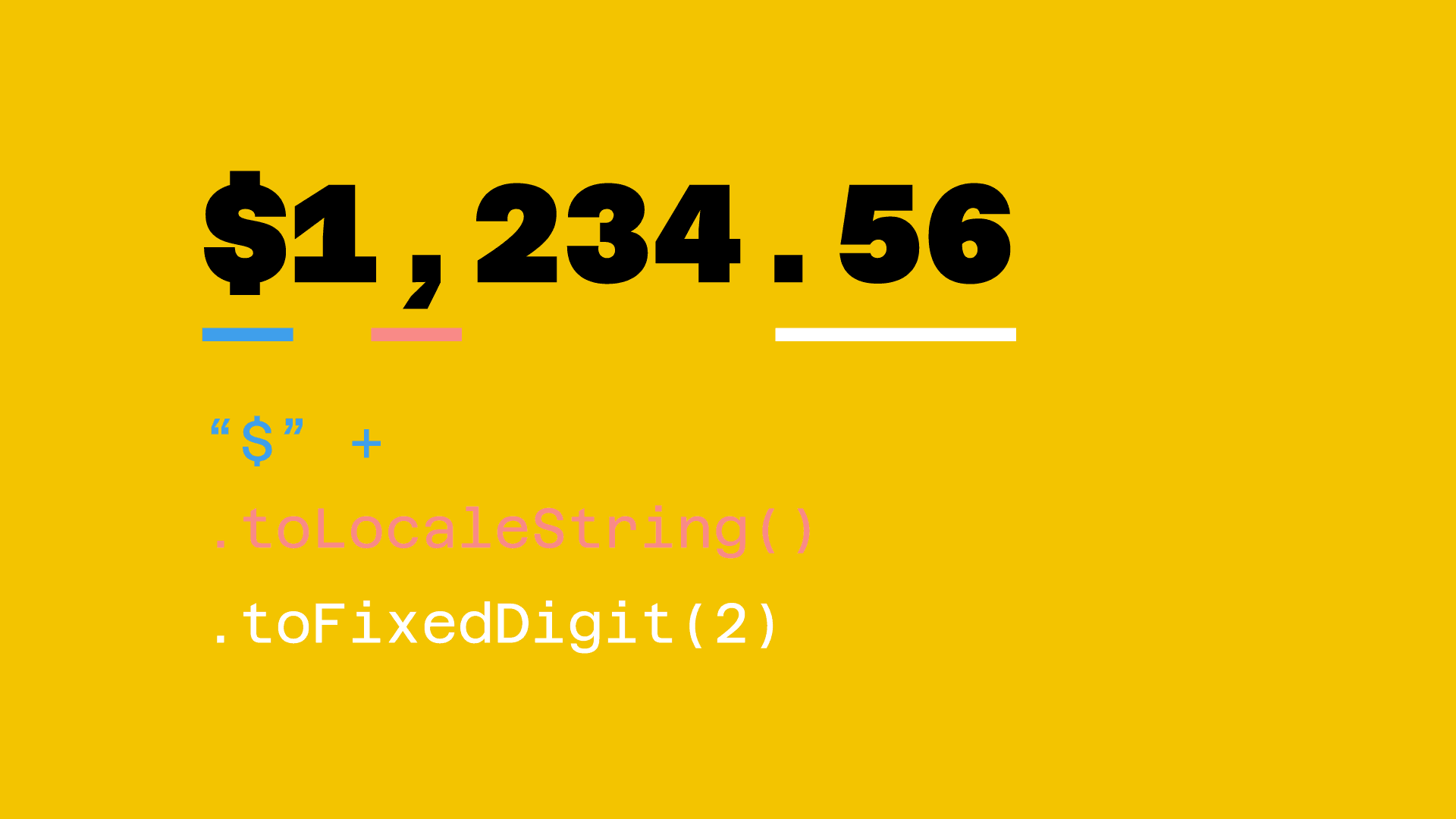
Learn different techniques for formatting and animating numbers in After Effects, including expressions, sliders, and dedicated number animation scripts.
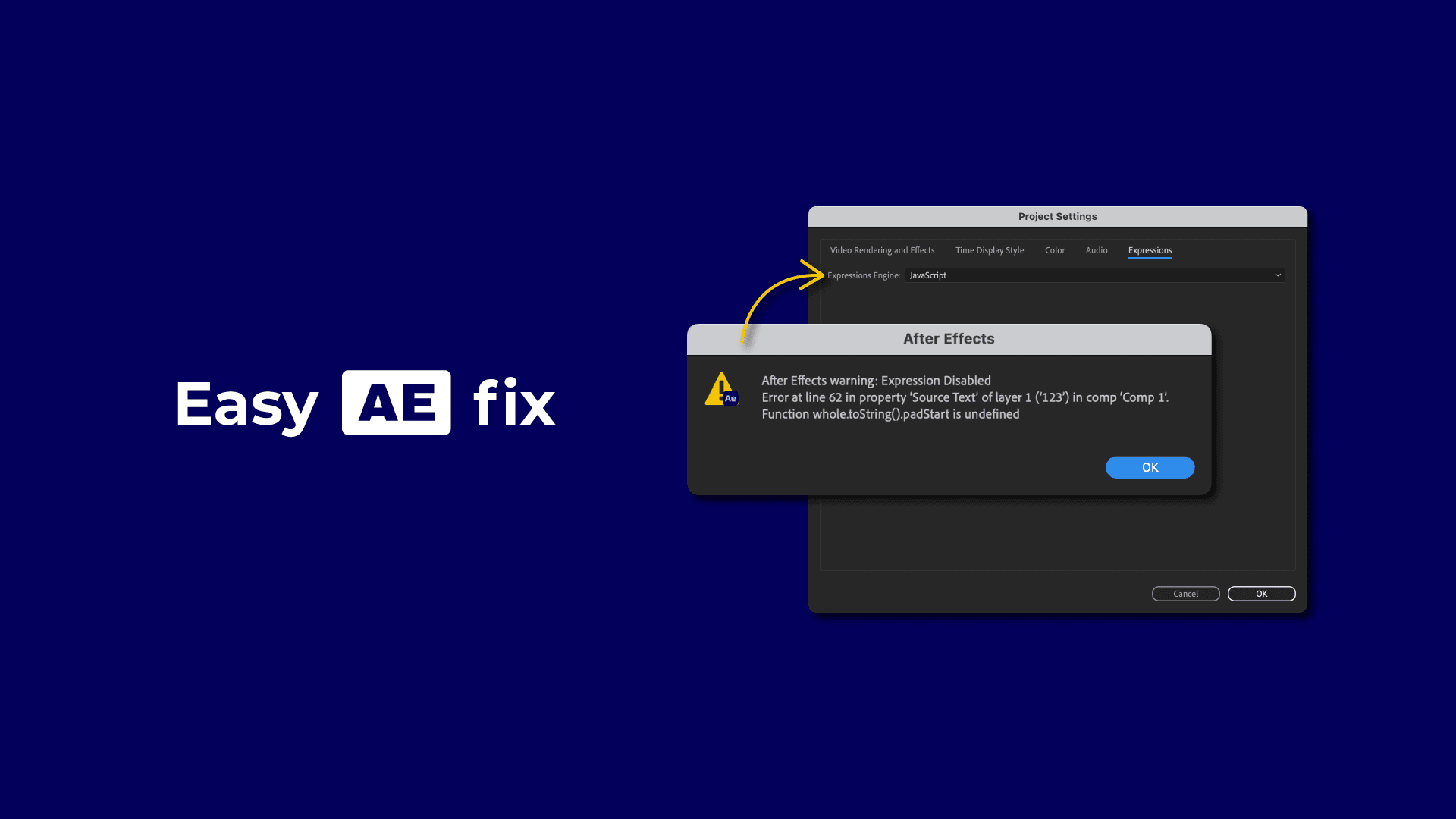
Fix the "expression disabled" error in After Effects by switching from Legacy ExtendScript to the modern JavaScript expression engine in project settings.
Create your own Star Wars opening crawl with this free After Effects template — customize the text and render a cinematic space intro in minutes.
Learn how to create, save, and apply custom animation presets in After Effects, including where files are stored and how to share them across projects.
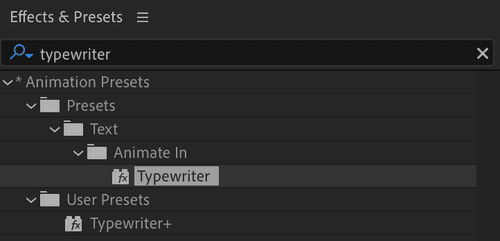
Learn how the built-in Typewriter preset works in After Effects, its key limitations, and why a dedicated plugin like Type is a better alternative.
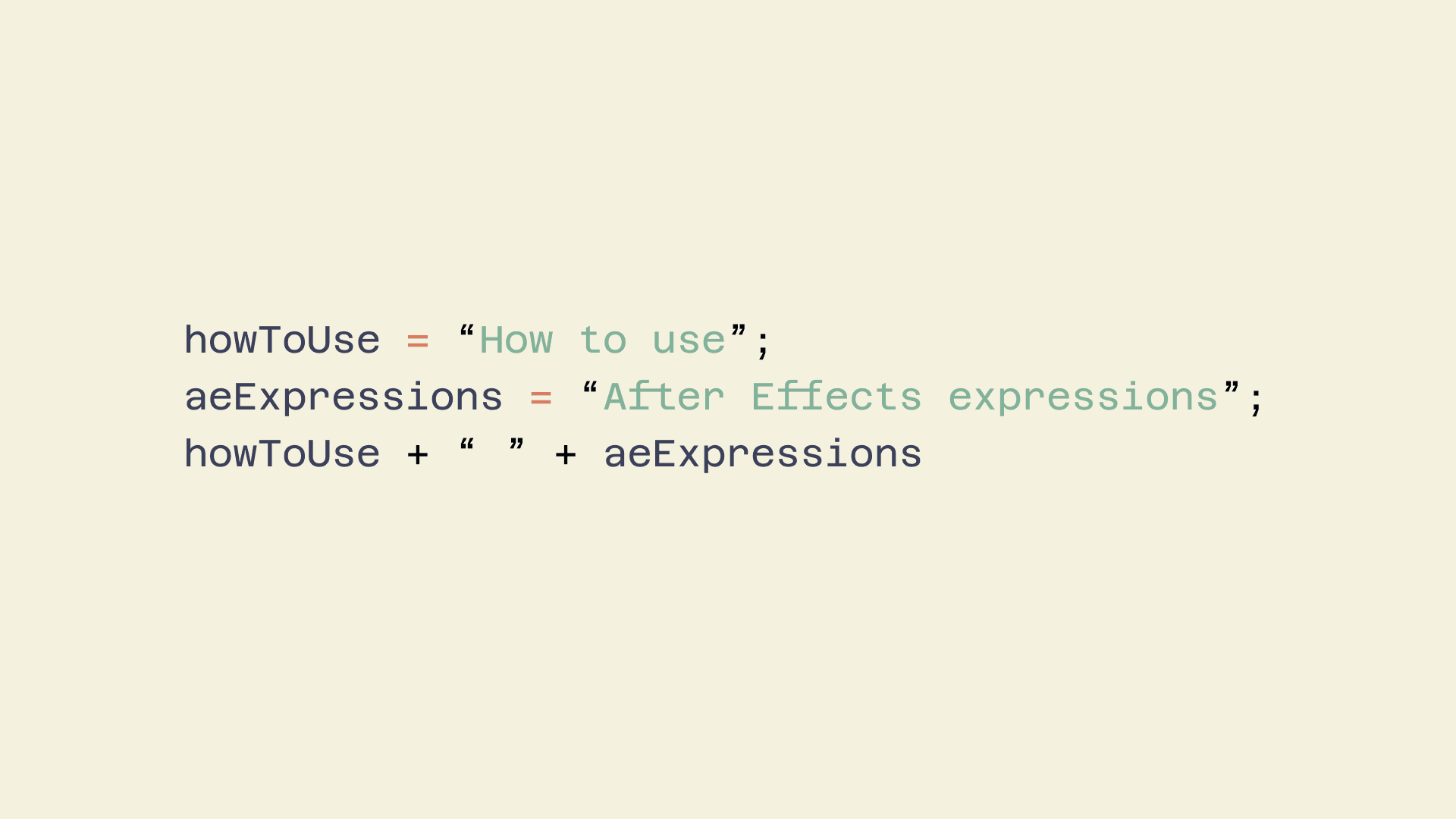
A beginner's guide to After Effects expressions with practical examples covering loopOut, wiggle, time, and linking properties across layers.
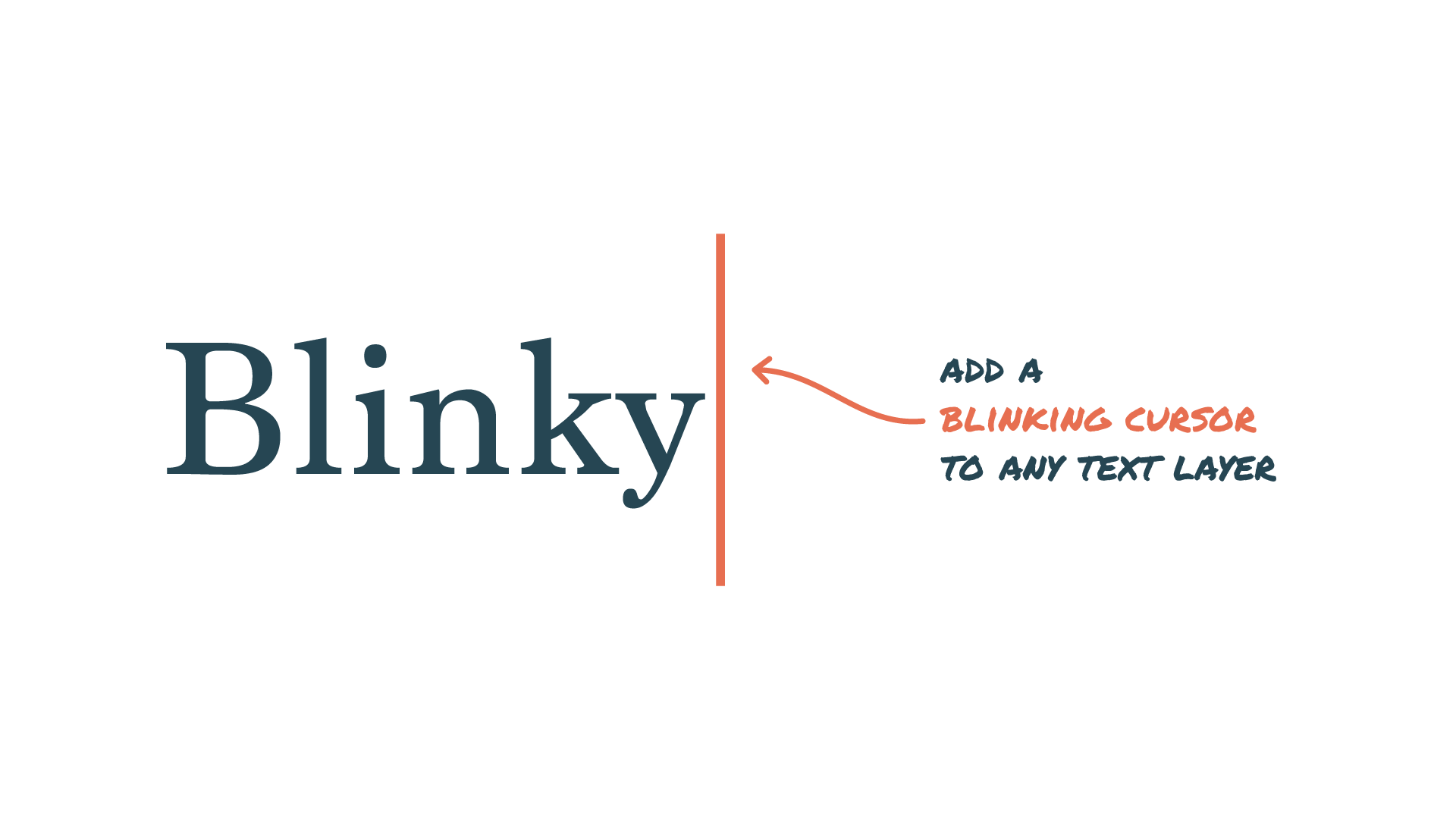
Blinky is an After Effects script for adding animated blinking cursors to text layers, ideal for typewriter animations and terminal-style motion graphics.
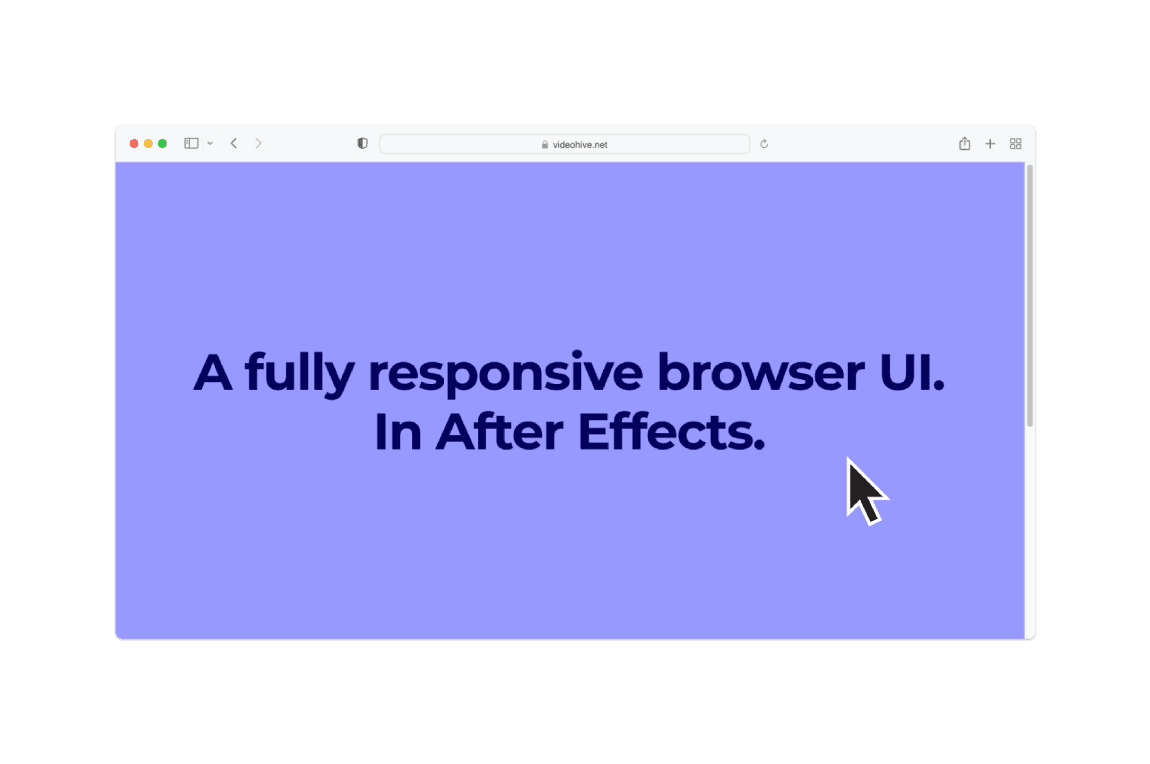
Quickly add your own design and animate a fully responsive web browser mockup inside After Effects, with resizable chrome and smooth scroll animations.
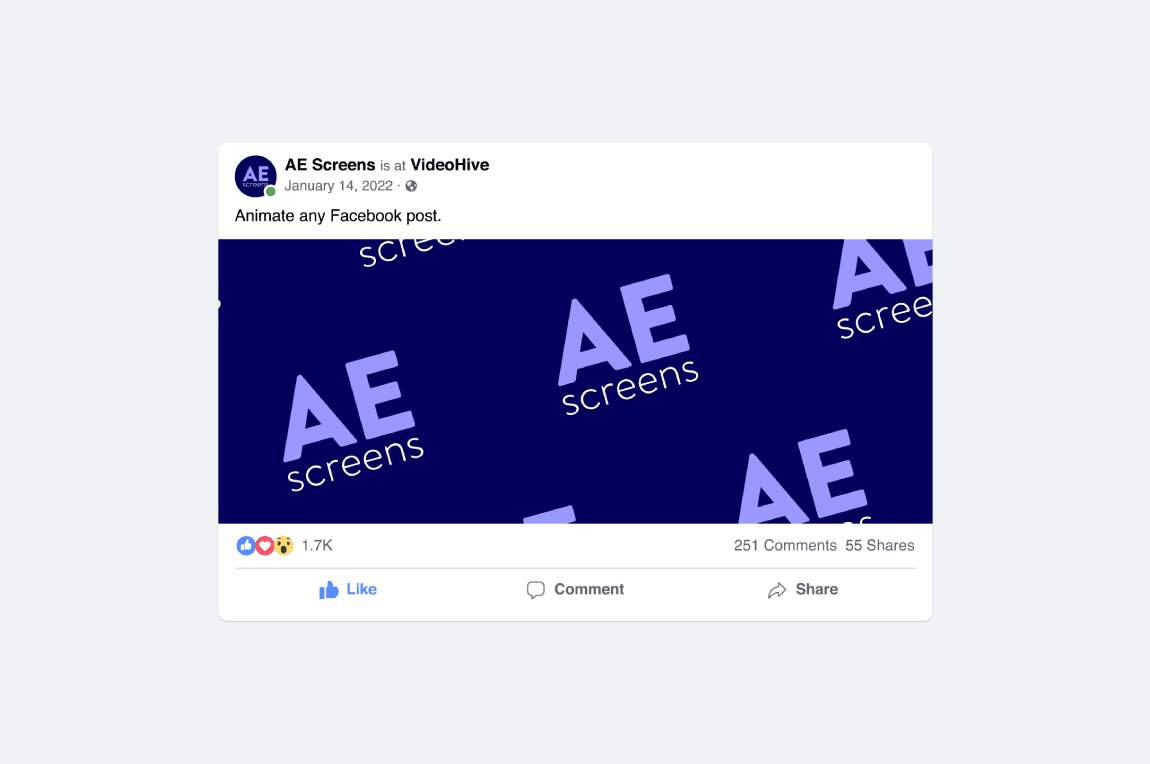
Perfectly recreate Facebook's UI inside After Effects and animate any Facebook post with realistic likes, comments, and profile details for your videos.
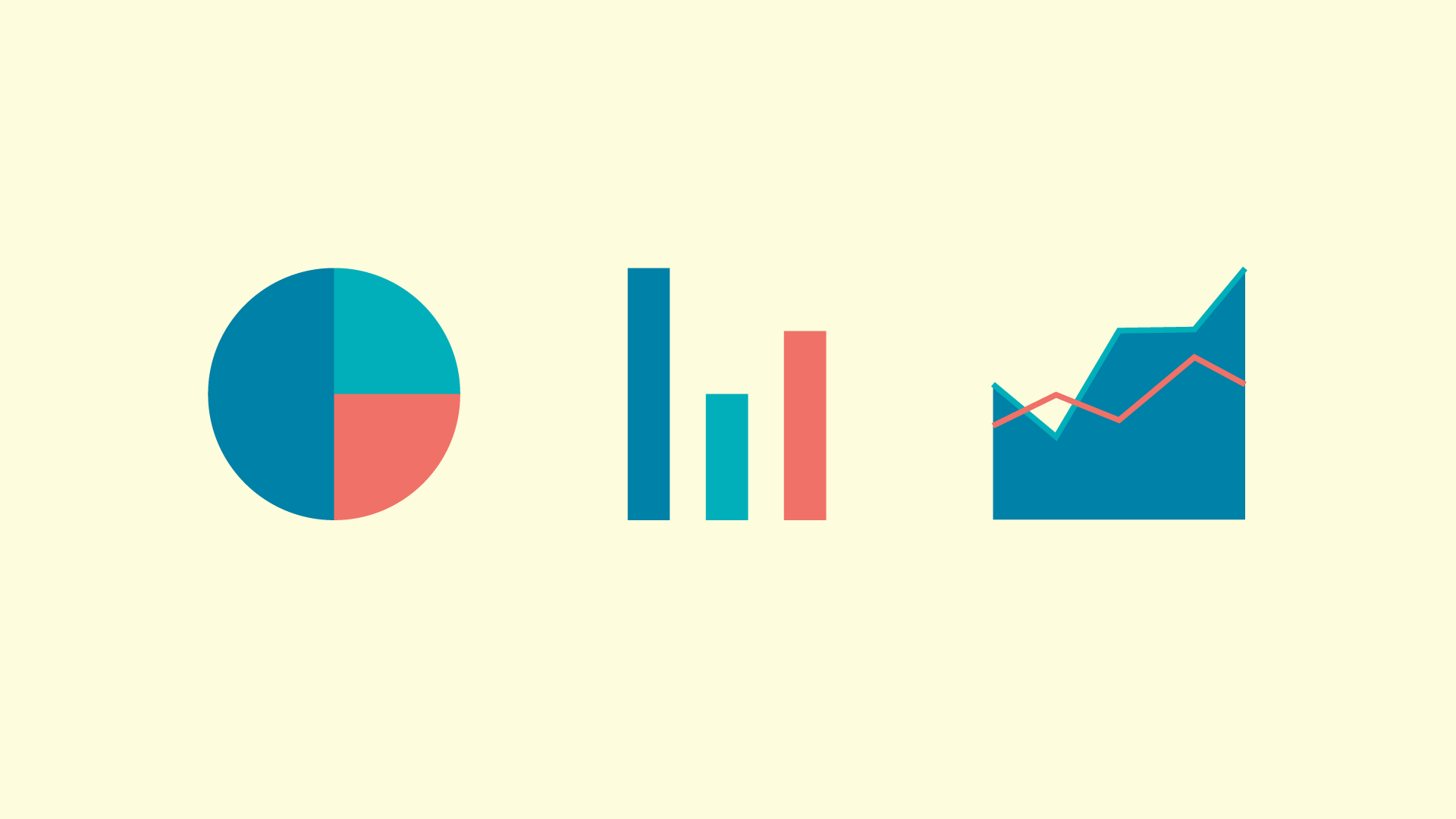
Create and animate pie charts, bar graphs, and line graphs inside After Effects with fully customizable colors, labels, and smooth data animations.
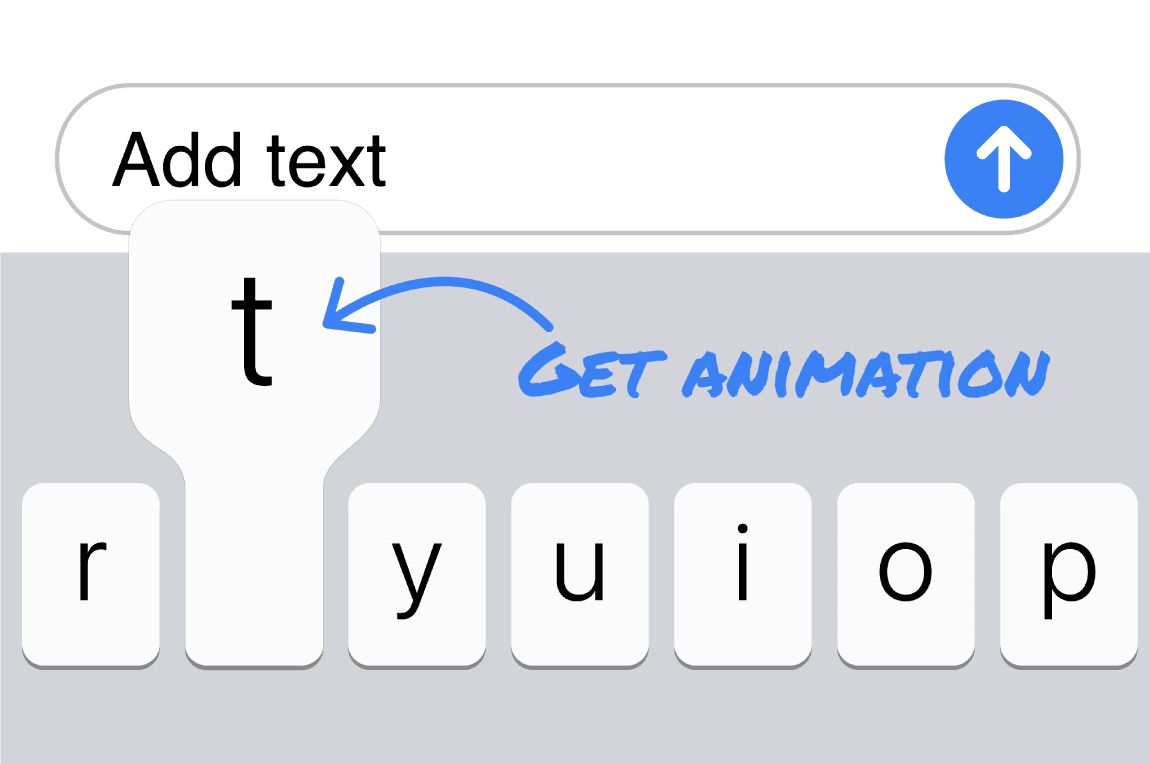
Automatically animate iOS keyboards in After Effects with this free template — type your text and the keyboard keys animate themselves letter by letter.
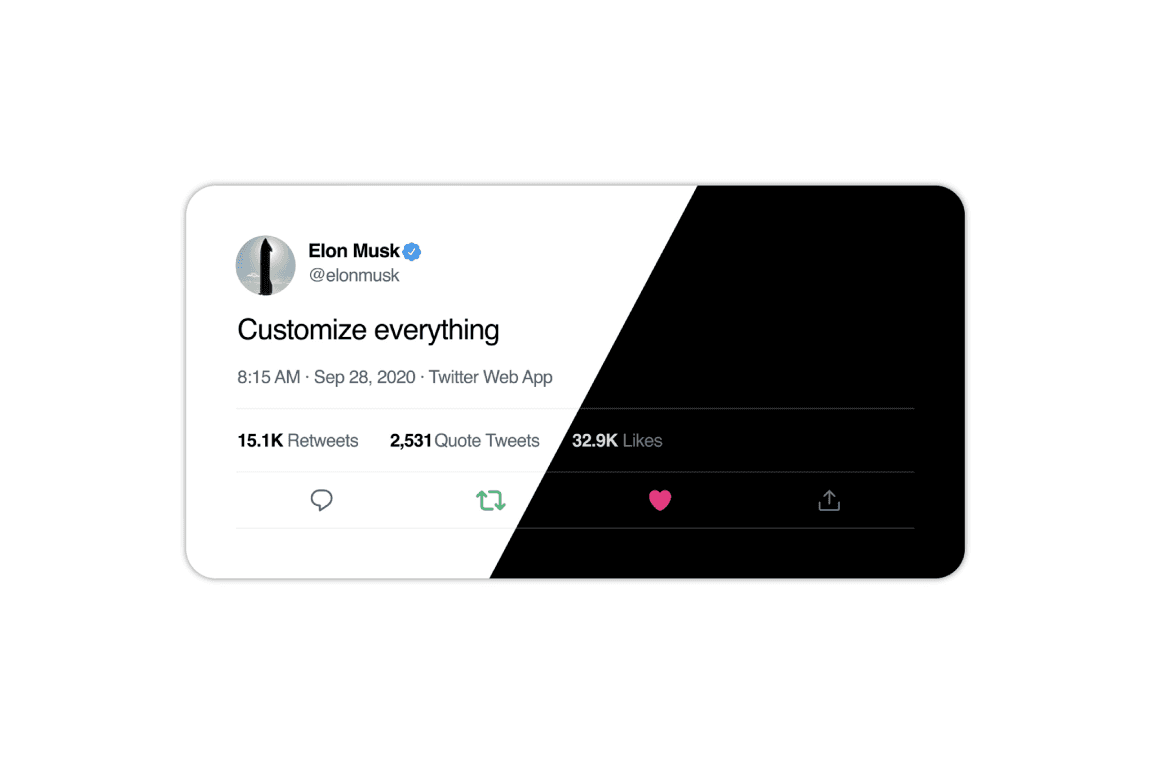
Perfectly recreate Twitter's UI inside After Effects and animate any Tweet with realistic styling, custom text, and smooth motion graphics.